⏳ Coming Soon
Your smart
Offline Scanner.
Scan documents, recognize text, translate offline and edit PDFs. On-device processing; offline use after installing the required resources.
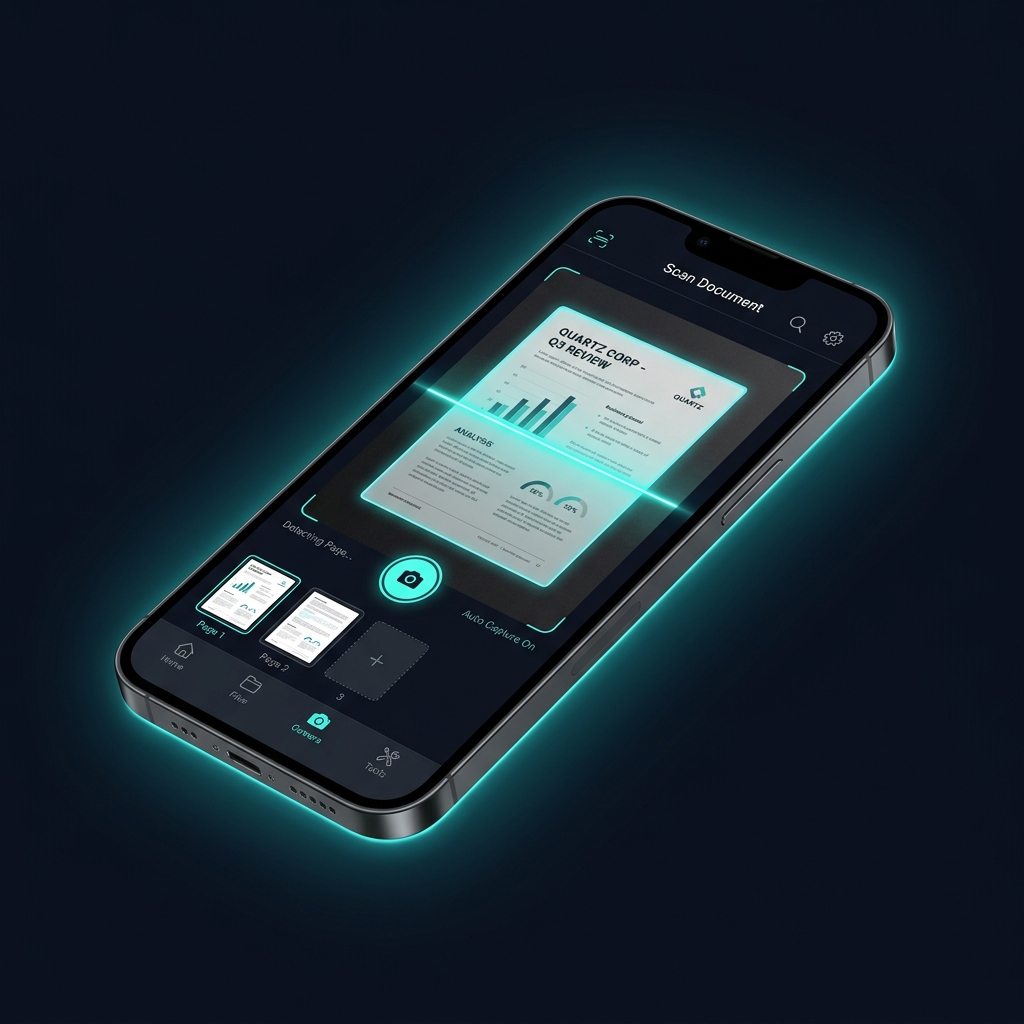
Scan documents, recognize text, translate offline and edit PDFs. On-device processing; offline use after installing the required resources.
Powerful tools, unified in a modern and secure app.
Scanning, OCR, translation, signing and spellchecking work offline once required models and dictionaries are installed. Initial setup of the classic Android scanner may also need internet. Downloads, purchases and purchase restoration use network connections. Selected cloud export destinations may transfer your files. Some features require FluxScan Pro.
Document processing is local. Google ML Kit also sends technical diagnostics and usage data to Google. Read the privacy policy.
Recognize printed text in Latin script from invoices, notes and contracts using on-device Google ML Kit.
Download language packs and translate scanned texts instantly - entirely without an active internet connection.
Encrypt your exported PDFs with secure passwords before you share them.
Sign documents directly within the app. Create and manage custom signatures for quick filling.
Install the required dictionaries and check recognized text locally. Review suggestions or enable automatic corrections.